
This document is an AMD RAID installation guide, which explains how to configure RAID functions using the FastBuild BIOS utility in the BIOS environment.
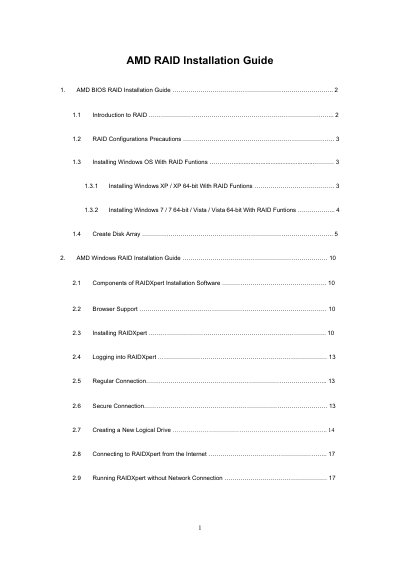
This guide explains how to set up RAID on AMD SB710 SATA RAID controllers using the onboard FastBuild BIOS utility and the RAIDXpert software. It covers BIOS configuration, creating disk arrays, and installing Windows operating systems with RAID enabled.
The document also details the installation and use of the RAIDXpert management tool, including browser requirements, logging in, creating logical drives, and remote access options.
| Supported RAID levels | RAID 0, RAID 1, RAID 10, RAID Ready, JBOD |
|---|---|
| Stripe Block Size options | 64 KB, 128 KB |
| Write Cache policy | None |
| Supported browsers for RAIDXpert | Internet Explorer 6.0, Mozilla Suite 1.7, Mozilla Firefox 1.0, Netscape Navigator 7.1 |
| RAIDXpert default port | 8443 |
Enter the BIOS Setup Utility, go to the Advanced screen → Storage Configuration, and set the “SATA Operation Mode” option to [RAID].
RAIDXpert works with Internet Explorer 6.0, Mozilla Suite 1.7, Mozilla Firefox 1.0, and Netscape Navigator 7.1.
You can select either 64 KB or 128 KB as the stripe block size.