
This document is a guide for AMD SP5100 and Promise SATA RAID. It provides an overview of Promise firmware and the location of the option ROM version. It also covers Promise RAID creation and the use of WebPAM software. Additionally, it includes information on supported RAID levels and the RAID rebuild process.
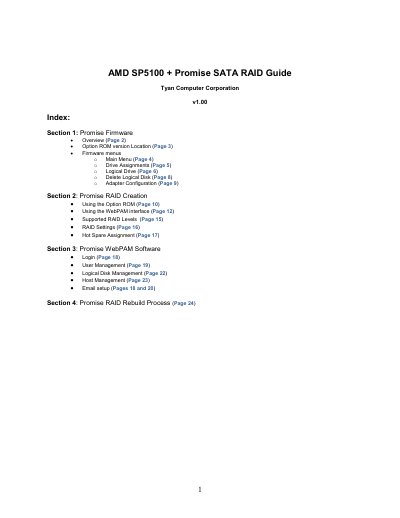
The guide provides step‑by‑step instructions for enabling the Promise SATA RAID controller on an AMD SP5100 platform, configuring the firmware, and managing logical drives. It also describes how to use the WebPAM software for advanced RAID tasks.
Key sections include BIOS configuration, firmware menu navigation, RAID array creation via the Option ROM, WebPAM interface usage, and the RAID rebuild process. The document is aimed at system administrators and technicians who need to set up and maintain RAID on Tyan‑based servers.
| OnChip SATA Channel | Enabled |
|---|---|
| OnChip SATA Type | RAID |
| IRQ Assignment | Displayed in Adapter Configuration |
Set the OnChip SATA Channel to Enabled and the OnChip SATA Type to RAID under the Chipset tab > Southbridge Chipset Configuration.
During POST press Ctrl + F to enter the firmware, then press the 2 key to open the Logical Drive menu and use Ctrl + C to define a new RAID array.
No. The RAID rebuild process can only be started with the WebPAM interface; the firmware can only create and delete arrays.