
This document is a product specification book, which introduces the product's features, characteristics, general specifications, environmental characteristics, optical characteristics, electronic characteristics, mechanical characteristics, reliability, durability, inspection methods, appearance inspection, mounting precautions, warranty, appendices, precautions, etc.
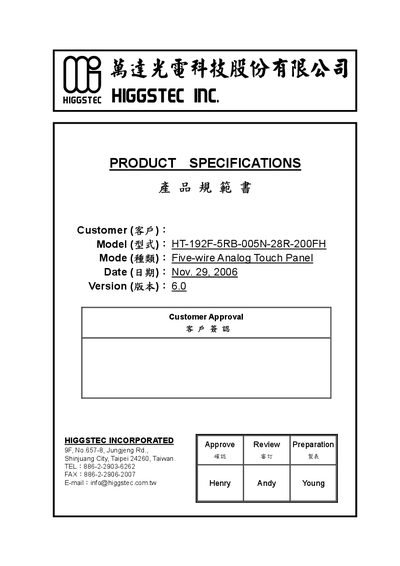
This manual describes the HIGGSTEC HT-192F-5RB-005N-28R-200FH five‑wire analog resistive touch panel, its features, and the recommended usage conditions. The panel supports both stylus and finger input and is designed for integration into various display systems.
The document includes detailed mechanical, electrical, optical, and environmental specifications, as well as inspection methods, durability tests, and cautions for storage, handling, cleaning, and installation. It also outlines reliability criteria such as impact load, actuation force, and temperature/humidity limits. This manual is written in Chinese.
| Model | HT-192F-5RB-005N-28R-200FH |
|---|---|
| Input Mode | Stylus or Finger |
| Frame Size | 401.00 x 323.40 mm |
| View Area | 387.00 x 311.70 mm |
| Thickness | 3.20 mm |
| Operating Temperature | -10 °C to +70 °C |
| Transparency | 80 % |
| Loop Resistance (X/Y) | > 5000 Ω |
| Chattering Time | 15 ms |
Store the panel within the specified temperature and humidity range and avoid direct sunlight exposure.
Unpack the box with the printed red arrow pointing up, hold the panel by its tail, avoid touching the viewing area, and use clean gloves or sacks to prevent fingerprints.
The panel operates from –10 °C up to +70 °C.
The panel has a transparency of about 80 %.