
This document introduces the installation methods of AMD RAID, including BIOS RAID installation and Windows RAID installation.
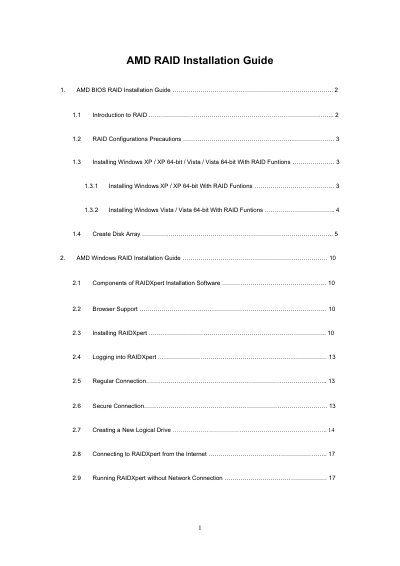
The document provides step‑by‑step instructions for enabling RAID mode in the AMD BIOS, creating disk arrays, and installing Windows XP, Vista, or 64‑bit versions on RAID volumes. It covers RAID level selection, logical drive creation, and recommended settings for bootable drives.
It also describes the RAIDXpert management software for Windows, including installation, browser requirements, remote access, and offline operation. Detailed procedures for creating logical drives, setting stripe block size, and connecting to the host PC over a network are included.
| Controller model | AMD SB700 SATA RAID controller |
|---|---|
| Supported RAID levels | RAID 0, RAID 1, RAID 10, RAID Ready, JBOD |
| Supported browsers for RAIDXpert | IE 6.0, Mozilla Suite 1.7, Firefox 1.0, Netscape Navigator 7.1 |
| RAIDXpert components | RAIDXpert software and private Java Runtime Environment |
Enter BIOS Setup Utility → Advanced screen → IDE Configuration and set the “SATA Operation Mode” option to [RAID].
RAIDXpert works with Internet Explorer 6.0, Mozilla Suite 1.7, Mozilla Firefox 1.0, or Netscape Navigator 7.1.
Insert the software CD, double‑click the installer icon, and follow the prompts in the installation dialogs.
In RAIDXpert, click Logical Drive View, select the Create tab, choose a RAID level, assign physical drives, and finish the wizard.