
This manual describes how to connect the projector to a computer with the YK-5 serial conversion cable and control the projector from the computer.
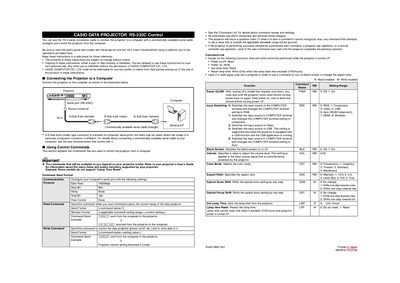
The manual describes how to connect a Casio data projector to a computer using the YK‑5 serial conversion cable and a standard straight RS‑232C cable. It also outlines the required serial port settings and the command format for controlling the projector.
A full command list is provided, showing read and write commands for power, input source, volume, aspect ratio, lamp time, and other functions. The document notes response behavior for unsupported commands and special conditions such as lamp‑time reset limits.
| Serial data rate | 19200 bps |
|---|---|
| Data bits | 8 |
| Parity | None |
| Stop bits | 1 |
| Flow control | None |
| Volume range | 0‑50 |
Use the YK‑5 serial conversion cable together with a commercially available straight serial cable to connect the projector’s D‑Sub 9‑pin male connector to the computer’s serial port.
Set the computer’s serial port to 19200 bps, 8 data bits, no parity, 1 stop bit, and no flow control.
The projector returns a question mark (?) when it receives a command it cannot recognize.