
Intel SATA Hard Disks Installation and RAID Configuration Guide

This manual introduces how to install SATA hard disks and configure RAID on this motherboard
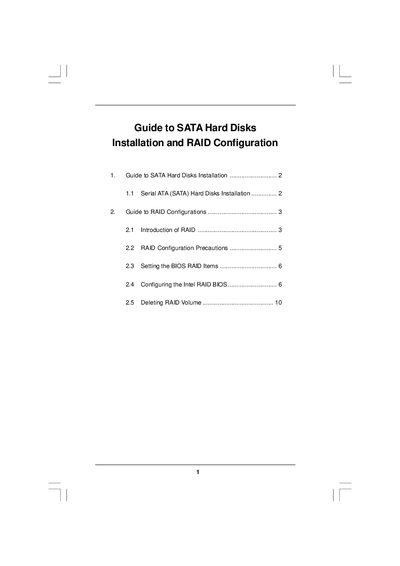

Intel SATA Hard Disks Installation and RAID Configuration Guide - cover page
Brand
Guide
Category
Hard disk
Document type
Installation Guide
Language
English
Pages
10
File format
PDF
File size
260 KB
Published
02 May, 2012
Updated
30 September, 2023
MD5 checksum
CF623149F7C0A8D50C1750C44B53E493

About this manual

The document provides step‑by‑step instructions for installing Serial ATA (SATA) hard disks on motherboards that use Intel southbridge chipsets. It covers BIOS settings, RAID options, and the use of Intel Matrix Storage technology.

It also details how to create, configure, and delete RAID volumes, including recommended stripe sizes, drive requirements for different RAID levels, and important precautions such as backing up data before enabling RAID.

What's inside

  • Serial ATA (SATA) Hard Disks Installation
  • RAID Configurations Overview
  • RAID Types and Requirements
  • RAID Precautions
  • BIOS RAID Settings
  • Creating a RAID Volume
  • Deleting a RAID Volume

Specifications

Supported RAID levelsRAID 0, RAID 1, RAID 10, RAID 5, Intel Matrix Storage
Minimum drives for RAID 53 identical hard disks
Minimum drives for RAID 104 hard disks
Stripe size options for RAID 08 KB to 128 KB (default 128 KB)

Frequently asked questions

How do I enable RAID in the BIOS?

Enter BIOS by pressing , select Advanced, then set "Configure SATA" to "RAID" and save the changes before exiting.

How do I delete an existing RAID volume?

Select the "Delete RAID Volume" option in the RAID utility, press , and follow the on‑screen instructions to confirm the deletion.

Download PDF (260 KB)

More Guide Manuals


View all Guide manuals →