
This is a guide to SATA hard disk installation and RAID configuration. It provides instructions on how to install SATA hard disks and configure RAID functions, including RAID 0, RAID 1, RAID 10, RAID 5, and Intel Rapid Storage.
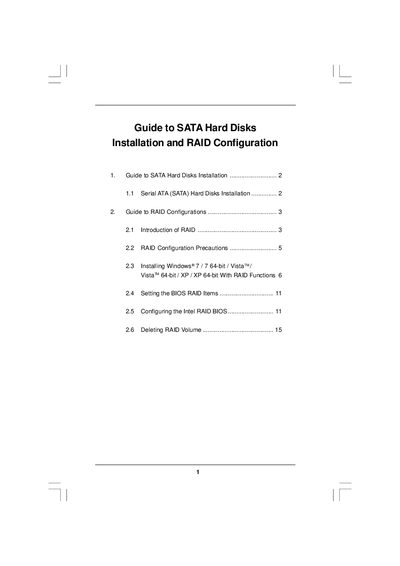
The guide provides step‑by‑step instructions for installing Serial ATA (SATA) hard disks on motherboards that use the Intel P55 chipset. It covers BIOS configuration, driver preparation, and the use of Intel Rapid Storage software.
It also details RAID concepts, supported RAID levels (0, 1, 10, 5), precautions, and procedures for creating, migrating, and deleting RAID volumes, including Windows installation tips and RAID‑Ready system setup.
| Supported chipset | Intel P55 |
|---|---|
| Supported RAID levels | RAID 0, RAID 1, RAID 10, RAID 5 |
| Number of SATA channels | Four independent SATA channels |
| Minimum drives for RAID 5 | Three identical hard disks |
| Minimum drives for RAID 10 | Four hard disk drives |
The Intel P55 chipset supports RAID 0, RAID 1, RAID 10, and RAID 5.
At least three identical hard disks are required for a RAID 5 configuration.
Enter the BIOS Setup Utility, go to the Advanced screen, and set “SATA Operation Mode” to RAID.