
Intel H67 Chipset SATA Hard Disks Installation and RAID Configuration Guide

This document introduces the methods of SATA hard disk installation and RAID configuration supported by Intel H67 chipset, including RAID0, RAID1, RAID10, RAID5, and Intel Rapid Storage.
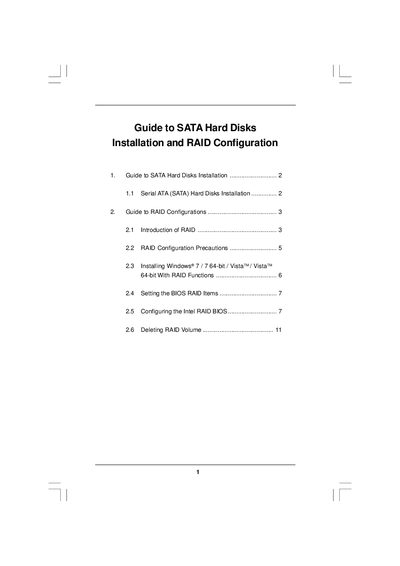

Intel H67 Chipset SATA Hard Disks Installation and RAID Configuration Guide - cover page
Brand
Guide
Category
Other
Document type
Installation Guide
Language
English
Pages
11
File format
PDF
File size
264 KB
Published
02 May, 2012
Updated
30 September, 2023
MD5 checksum
C1C51FA8269E2A87DF7284BDA7186961

About this manual

This guide explains how to install Serial ATA (SATA) hard disks on a motherboard using the Intel H67 chipset and how to set up various RAID levels (RAID 0, RAID 1, RAID 5, RAID 10, and Intel Rapid Storage). It covers hardware installation, BIOS configuration, and Windows installation with RAID support.

The document also provides detailed instructions for creating and deleting RAID volumes, selecting stripe sizes, and troubleshooting common RAID configuration issues.

What's inside

  • SATA Hard Disks Installation
  • RAID Configurations Overview
  • RAID Configuration Precautions
  • Installing Windows with RAID Functions
  • BIOS RAID Settings
  • Intel RAID BIOS Configuration
  • Creating RAID Volume
  • Deleting RAID Volume

Specifications

Minimum drives for RAID 53 identical drives
Download PDF (264 KB)

More Guide Manuals


View all Guide manuals →