
Intel® Small Business Advantage is a customizable platform integrated with IT tools that help maximize employee productivity, PC performance, and data security. There are applications including Software Monitor, PC Health Center, Data Backup & Restore, Energy Saver and USB Blocker.
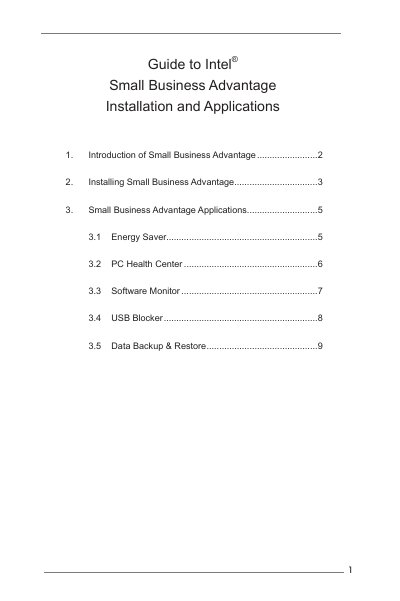
Intel® Small Business Advantage is a customizable platform integrated with IT tools to improve employee productivity, PC performance, and data security. The guide introduces the platform and its core applications.
The installation section walks users through launching the installer, clicking “Install”, “Next”, and “Finish”. Subsequent sections detail each application: Energy Saver, PC Health Center, Software Monitor, USB Blocker, and Data Backup & Restore, explaining their purpose and usage.
Run the installer, click “Install”, then click “Next” until you reach “Finish” to complete the setup.
USB Blocker lets businesses control access to their infrastructure, preventing unauthorized USB devices or file transfers.
It provides reliable after‑hours backup of critical data, using a local timer to power on the PC and copy backups to a designated location.