
This document provides a guide to the installation of SATA hard disks and RAID configurations. It includes instructions for installing SATA hard disks and precautions for RAID configurations, as well as steps for configuring BIOS and Intel RAID BIOS in different operating systems.
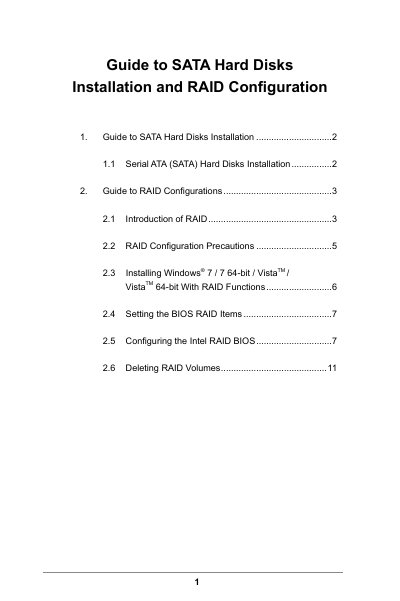
The document provides step‑by‑step instructions for installing SATA hard drives on Intel H77‑chipset motherboards and setting up various RAID levels, including RAID 0, RAID 1, RAID 5, RAID 10 and Intel Rapid Storage. It covers BIOS configuration, RAID volume creation, and operating‑system installation with RAID support.
Additional sections cover RAID configuration precautions, stripe‑size selection, and how to delete RAID volumes. The guide also notes compatibility limits, such as the lack of RAID support under Windows XP, and provides troubleshooting tips for safe RAID setup.
| Supported RAID levels | RAID 0, RAID 1, RAID 5, RAID 10, Intel Rapid Storage |
|---|---|
| Number of SATA channels | 4 |
| Minimum drives for RAID 10 | 4 |
| Minimum drives for RAID 5 | 3 |
| RAID 0 stripe size range | 8 KB – 128 KB (default 128 KB) |
Enter the BIOS Setup Utility, go to Advanced → Storage Configuration, and set “SATA Mode Selection” to [RAID].
You can choose a stripe size between 8 KB and 128 KB; the default is 128 KB.
No, RAID mode is not supported under Windows XP or Windows XP 64‑bit.
At least two drives of the same size (or a larger new drive) are needed for RAID 1.