
This manual introduces how to use the watch, including how to set time, date, alarm, stopwatch, etc.
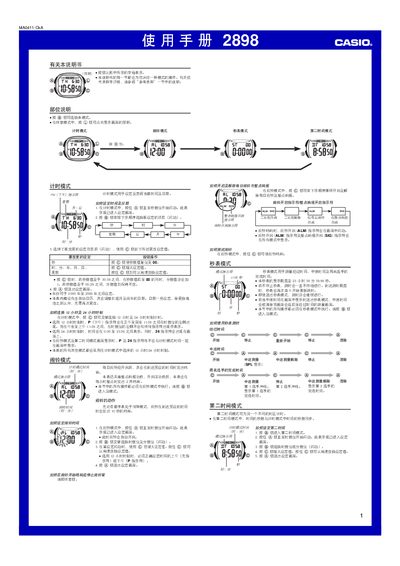
This manual explains the operation of the Casio 2898 watch, covering its timekeeping, alarm, lighting, and stopwatch modes. It details how to set the time, select 12‑hour or 24‑hour format, and use the automatic calendar.
Additional sections describe the illumination settings, hourly chime, second‑time zone mode, and automatic return to the normal display after inactivity. Reference information and lighting notes are also included. This manual is written in Chinese.
| Display type | LED with light guide plate |
|---|---|
| Illumination duration | 3 seconds or 15 seconds |
| Automatic return time | 1–2 minutes of inactivity |
| Year setting range | 2000–2099 |
| Calendar | Automatic adjustment for month length and leap years |
| Battery impact of illumination | Frequent use shortens battery life |
Enter time‑setting mode by pressing the mode button until the seconds digits flash, then use the adjust button to change seconds, minutes, hours, day, month and year.
In timekeeping mode, press the light button for about three seconds to toggle between a 3‑second and a 15‑second illumination period.
Activate the hourly chime in the alarm settings; the watch will beep at each hour when the function is turned on.
The stopwatch counts up to 23 hours 59 minutes 59.99 seconds and then rolls over to zero.