
User manual, introduces the functions and operation methods of the watch.
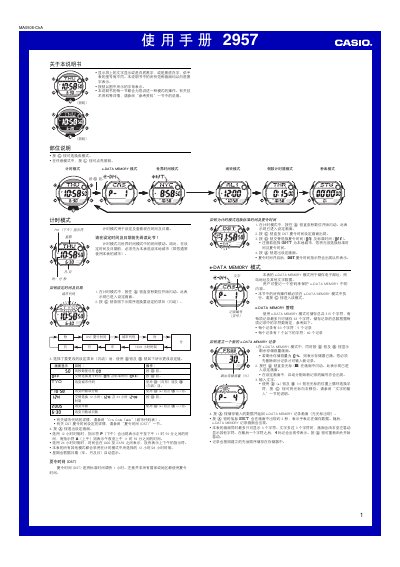
The manual describes the watch’s various operating modes, including Timing Mode for setting and viewing the current time and date, World Time Mode for displaying multiple city times, e‑DATA MEMORY Mode for storing up to 315 characters of notes and passwords, and the alarm functions that can be set for hourly, daily, or custom intervals. It also covers how to configure the countdown timer, stopwatch, and automatic illumination features.
Additional sections explain the lighting system, automatic illumination activation and deactivation, and provide a City Code Table and Character List for entering text. Safety notes about using the illumination while driving or exercising are also included. This manual is written in Chinese.
| e‑DATA MEMORY total capacity | 315 characters |
|---|---|
| Maximum characters per record | 63 characters |
| Year setting range | 2000‑2039 |
| Stopwatch display limit | 23 h 5 min 59.99 s |
In any mode, press the (D) button for about 1 second; the illumination indicator will appear and the display will light up when the watch is turned toward you.