
This document provides instructions for using the watch 3028 1 MA0608-CkC, including setting the time and date, operating different modes, and using the stopwatch and countdown timer functions.
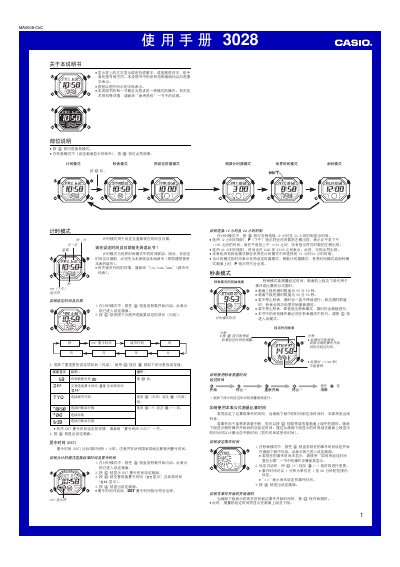
This user manual for the Casio 3028 1MA0608‑CkC watch provides step‑by‑step instructions for all operating modes, including timekeeping, stopwatch, preset timer, countdown timer, world time, and alarm settings. It also covers display options, button functions, and safety notes for automatic illumination.
The guide includes a city code table for world time configuration, details on daylight‑saving adjustments, and troubleshooting tips such as battery‑saving recommendations when using the auto‑light or alarm features. This manual is written in Chinese.
| Display style | white background black text or black background white text |
|---|---|
| Year setting range | 2000–2099 |
In timekeeping mode, press and hold the B button for about 3 seconds to toggle the auto‑light indicator on or off.