
User manual, introducing the functions and usage of the watch
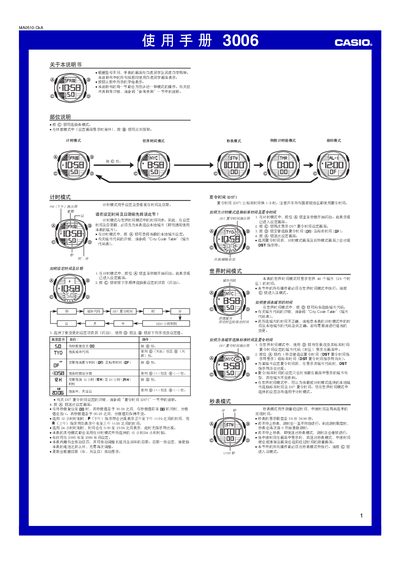
This manual provides step‑by‑step instructions for operating the Casio 3006 watch. It covers time‑keeping mode, world‑time mode, daylight‑saving time settings, and how to adjust the date, hour format and city code.
Additional sections describe the stopwatch, countdown timer, negative timer, five daily alarms, illumination settings, and the city code table for world‑time configuration. Each function includes button sequences and visual indicators to help users navigate the watch’s features. This manual is written in Chinese.
| Number of daily alarms | 5 |
|---|---|
| Time display format | 12‑hour or 24‑hour |
| Time display format | 24‑hour |
| Stopwatch display limit | 59 min 59.99 sec |
| Countdown timer range | 1 minute to 24 hours |
| Year setting range | 2000‑2099 |
In world‑time mode, press the @ button to move east through the city codes listed in the City Code Table.
The watch provides five independent daily alarms that can be set separately.
The stopwatch can display up to 59 minutes, 59.99 seconds.