
Instruction manual describes how to use the watch, including how to set time, date, alarm, countdown timer, stopwatch, etc.
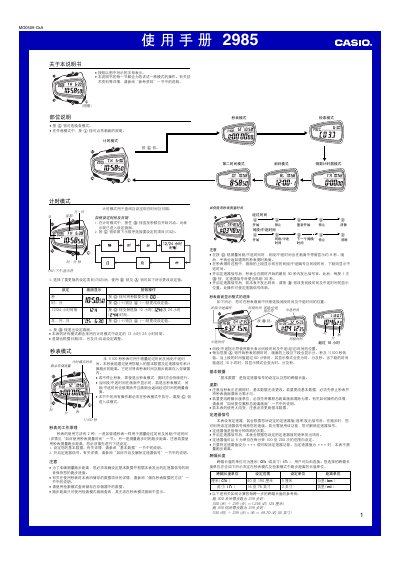
This manual describes how to set the current time and date, switch between 12‑hour and 24‑hour formats, and configure basic data such as stride length and speedometer signal for distance measurement. It also covers the stopwatch mode, countdown timer, multiple alarm settings, and the automatic illumination feature.
The document explains how to manage stored logs, delete records, and reset accumulated distance. Safety notes for using the illumination function while cycling or driving are also included. This manual is written in Chinese.
| Maximum log capacity | 81 records |
|---|---|
| Year setting range | 2000‑2039 |
| Time format options | 12‑hour or 24‑hour |
| Illumination type | EL (電子芍光) panel |
| Automatic illumination activation | Enabled by default, toggle with @ button |
The watch can store up to 81 stopwatch logs in its memory.
Press and hold the @ button for about 2 seconds to toggle the automatic illumination feature.