
Instruction manual, introduces the functions and usage methods of the watch.
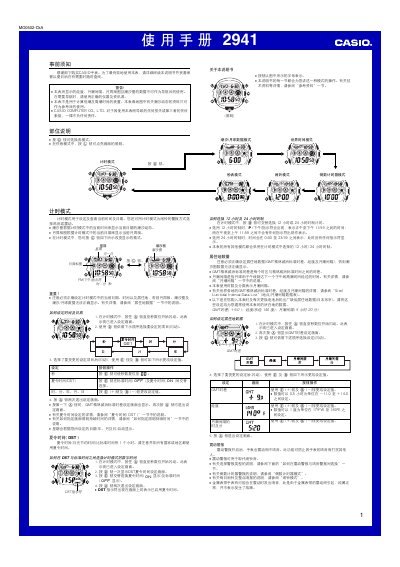
This manual provides step‑by‑step instructions for operating the Casio 2941 watch. It covers basic button functions, setting the current time and date, selecting 12‑hour or 24‑hour display, and configuring daylight‑saving time.
Advanced features such as world‑time for 28 cities, tide and moon data, countdown timer modes, alarm settings, and automatic illumination are described with detailed procedures and safety notes. This manual is written in Chinese.
| Year range | 2000‑2039 |
|---|---|
| Date range | 2000‑01‑01 to 2039‑12‑31 |
| Maximum elapsed‑time measurement | 99 h 59 min 59 s |
| 12‑hour display indicator | P for PM |
In the time‑setting screen press the DST button (labeled 夏令時間) to toggle between standard time and DST; the DST indicator will appear on the display when active.