
2950 watch user manual, introduces the operation methods of functions such as timer mode, e-DATA MEMORY mode, world time mode, and city temperature mode.
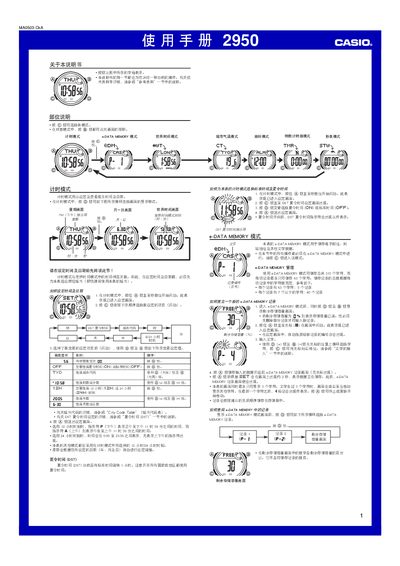
This manual provides step‑by‑step instructions for operating the Casio 2950 watch. It covers basic functions such as setting the time and date, switching between 12‑hour and 24‑hour formats, and using the alarm, countdown timer, and stopwatch modes.
Advanced features are described in detail, including the e‑DATA MEMORY for storing up to 315 characters, the World Time mode with 30 city time zones, the City Temperature mode, and the automatic display function. Instructions for configuring Daylight Saving Time (DST) and accessing the Character List are also included. This manual is written in Chinese.
| Maximum characters per record | 63 characters |
|---|---|
| Year setting range | 2000‑2039 |