
This manual introduces the usage of the watch. Including the usage methods of timer mode, alarm mode, stopwatch mode, second time mode.
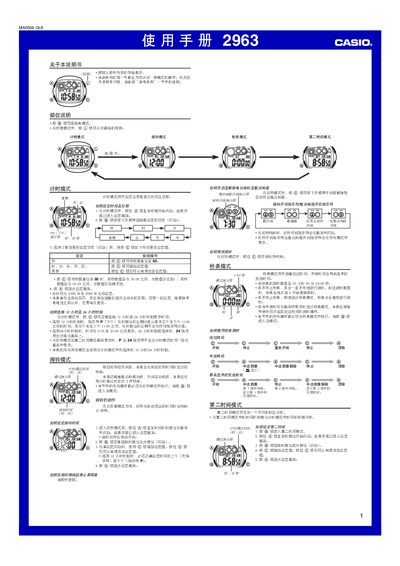
This manual covers the operation of the Casio 2963 watch, including timer mode, stopwatch mode, second‑time mode, and alarm (alert) mode. It provides step‑by‑step instructions for setting the time, date, year (2000‑2099), and choosing between 12‑hour and 24‑hour formats.
Additional sections describe the LED display, lighting duration settings (1.5 s or 3 s), and battery‑saving tips. The stopwatch can measure up to 23 h 59 m 59.99 s and continues running even when you leave the mode. This manual is written in Chinese.
| Display type | LED with light guide plate |
|---|---|
| Year setting range | 2000‑2099 |
| Stopwatch maximum time | 23 h 59 m 59.99 s |
| Lighting duration options | 1.5 s or 3 s |
Enter timer mode, press and hold the @ button, then use the @ button to increase or decrease the hour, minute, year, month, and day values.
In timer mode, press the @ button to toggle between 12‑hour (with P indicator) and 24‑hour display formats.
Press and hold the @ button until the seconds start counting; press @ again to stop or reset the stopwatch.