
Instruction manual, introduce how to use the functions of the watch
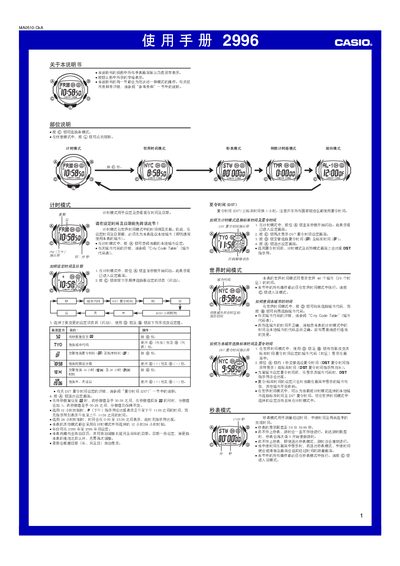
This manual covers the basic operation of the Casio 2996 watch. It explains how to set the time and date, choose between 12‑hour and 24‑hour formats, configure daylight‑saving time (DST), and select a local city using the City Code Table. The guide also describes the world‑time mode, which can display the time of up to 48 cities.
Additional sections detail the stopwatch, countdown timer, five independent alarm modes, and illumination settings. Instructions for adjusting the LED backlight, enabling or disabling button‑press sounds, and automatic return to time‑setting mode after inactivity are also provided. This manual is written in Chinese.
| Display limit | 59 min 59.99 sec |
|---|---|
| Year setting range | 2000–2099 |
Press the start/stop button to begin timing; the display counts up to 59 min 59.99 sec, then resets to 0. The stopwatch continues running until you stop it.
Enter Countdown Timer mode, press the @ button to select the timer, then set the desired duration (1 min to 24 h) using the @ and other buttons.