
BK108 control system manual, introduces the characteristics, functions, installation, operation, parameter setting, debugging, input and output status detection of the control system
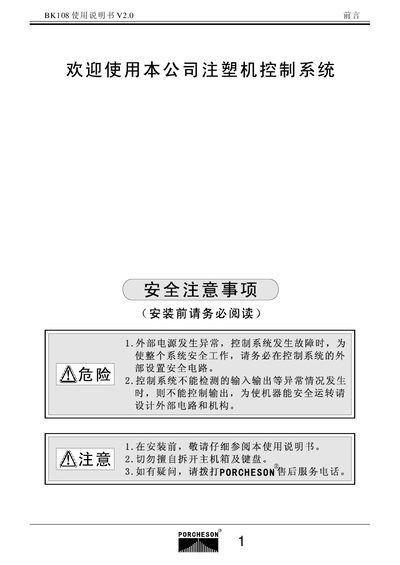
This manual covers the complete setup of the BK108 controller, including safety precautions, hardware installation, and wiring diagrams. It details the required four safety interlock routes and proper grounding to ensure reliable operation.
The guide also explains how to operate the system, configure parameters, and perform input/output testing. It includes specifications such as the LCD display resolution and maximum output current, as well as maintenance and troubleshooting procedures. This manual is written in Chinese.
| Display resolution | 320 × 240 |
|---|---|
| Maximum analog output current | 3 A |
Four safety interlock routes must be installed.
The LCD screen has a resolution of 320 × 240 pixels.
The analog output can supply up to 3 A.