
The Porcheson CK1 08V1.0 manual provides installation, configuration, operation, parameter setting, debugging and fault detection for the injection molding…
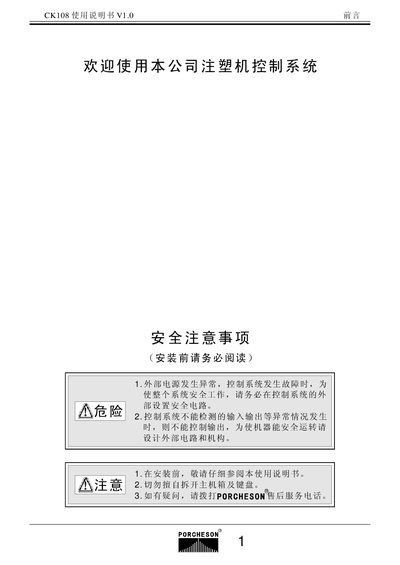
This manual describes the hardware configuration and installation steps for the CK1 08V1.0 control system, including enclosure requirements, ventilation, grounding, and wiring guidelines. Safety precautions such as using a closed cabinet, dust filters, and keeping the temperature below 60 °C are emphasized to ensure reliable operation.
The document also covers keypad operation, system parameter programming, debugging procedures, and fault monitoring. It explains how to set mold data, adjust screen contrast, perform memory tests, and connect the controller to a PC for remote management and data logging. This manual is written in Chinese.
| LCD display resolution | 640×480 |
|---|---|
| LCD screen size options | 7.4 inch or 10.4 inch |
| Standard DA outputs | 6 channels |
| Maximum DA output current | 3 A |
| Temperature control method | PID self‑learning control |
| Mold data storage capacity | 80 groups of mold information |
Read the manual, use a closed cabinet with good ventilation, install a dust filter, keep the temperature below 60 °C, and ensure proper grounding and separation of high‑ and low‑voltage wiring.
After the system shows normal operation, press the display keys to adjust color and contrast on the monitor page.
Select a mold number, set the required data, store it, power off, then power on again; the system will automatically recall the stored mold information if the memory is functional.
Use the PC connection key to link the controller to a computer via network cable; multiple machines (1‑255) can be managed and data printed from the PC.