
Key facts
- Brand
- Porcheson
- Model
- BK108
- Industry
- Industrial
- Documents
- 3
- Languages
- ZH · EN
- Last added
- 2012-04-11
Start here
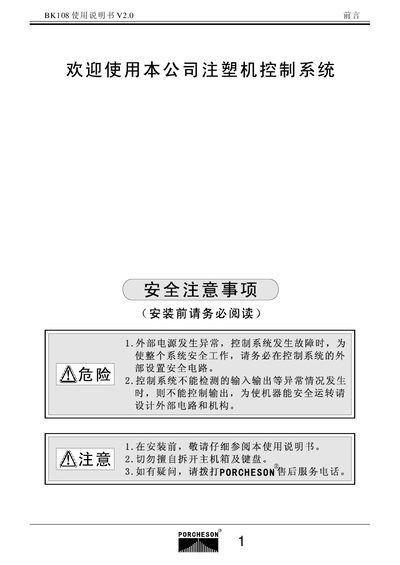
Porcheson BK108 User Manual
This manual covers the complete setup of the BK108 controller, including safety precautions, hardware installation, and wiring diagrams. It details the required four safety interlock routes and proper grounding to ensure reliable operation.
The guide also explains how to operate the system, configure parameters, and perform input/output testing. It includes specifications such as the LCD display resolution and maximum output current, as well as maintenance and troubleshooting procedures. This manual is written in Chinese.
Porcheson BK108 specifications
| Host Computer | 1 unit |
|---|---|
| Keyboard | 320*240 display |
| Power Pack | 300W |
| DB‑15F Cable | 15‑core, 1‑5 m optional |
| Maximum Current Output | 3 A |
Source: Porcheson BK108 User Manual
All Porcheson BK108 documents by type
Day-to-day operation, settings and troubleshooting. Start here if the product is already set up.
Questions answered in these manuals
How many safety interlock routes must be installed before using the control system?
Four safety interlock routes must be installed.
What is the LCD screen resolution of the BK108 controller?
The LCD screen has a resolution of 320 × 240 pixels.
How many power packs are included with the BK108 system?
The system includes one 300 W power pack (SPS300).
What is the display size of the BK108 keyboard?
The keyboard features a 5.7‑inch LCD with a 320 × 240 pixel resolution.
How many groups of mode data can be stored?
The system can store up to 80 groups of mode data.
What happens if a safety door fails?
The system issues an alarm after 2 seconds and terminates all operating output.