
This manual is the operator's manual for the BK108 control system. It mainly introduces the configuration, installation, parameter/function setting, debugging and setting, input/output state detection, etc. of the system.
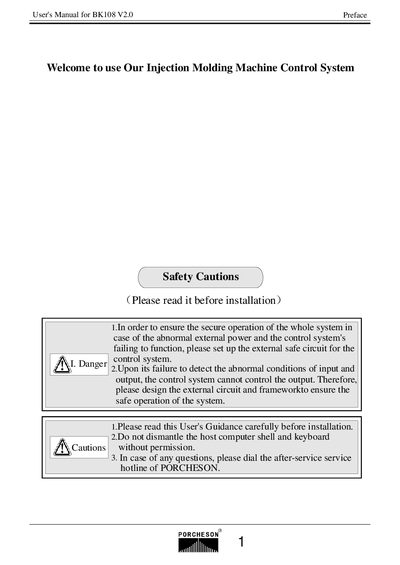
This manual covers the system configuration and installation of the Porcheson BK108 V2.0 control system, including hardware layout, wiring diagrams, and safety precautions. It guides users through connecting the host computer, keyboard, power pack, and safety doors, and explains the required grounding and shielding practices.
Further sections describe button operations, parameter and function settings, system debugging, input/output state detection, and provide reference drawings for dimensions, wiring, and motor heating. Appendices contain additional diagrams and part lists for the BK108 controller.
| Host Computer | 1 unit |
|---|---|
| Keyboard | 320*240 display |
| Power Pack | 300W |
| DB‑15F Cable | 15‑core, 1‑5 m optional |
| Maximum Current Output | 3 A |
The system includes one 300 W power pack (SPS300).
The keyboard features a 5.7‑inch LCD with a 320 × 240 pixel resolution.
The controller can output up to 3 A.