
This manual introduces the characteristics, configuration, installation, debugging, use methods and other information of PS610CM control system in detail. It is the essential manual for users to use this system.
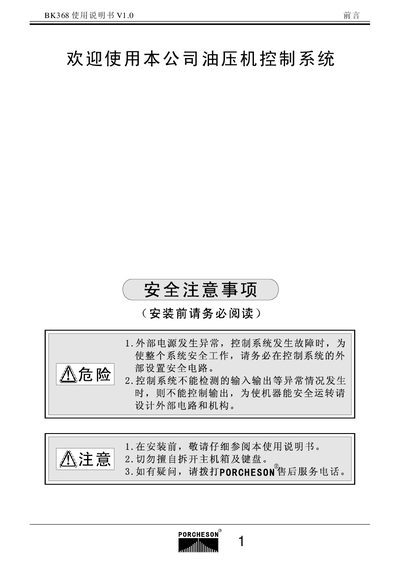
This manual covers safety precautions, system configuration and installation, and detailed wiring instructions for the Porcheson BK368 hydraulic machine control system. It includes step‑by‑step guidance on connecting the control unit, securing cables, and ensuring proper temperature and oil protection.
The document also describes key operation procedures, parameter configuration (pressure, flow, cycle time), and input/output status monitoring. Additional sections address process control settings, special functions, and an appendix with wiring diagrams and connector specifications. This manual is written in Chinese.
| Display resolution | 320×240 |
|---|---|
| Maximum pressure | 140 bar |
| Cycle time | 999.9 seconds |
| Maximum output current | 3 A |
Enter the desired values in the parameter setting screen; the manual lists the default pressure as 140 bar and flow as 99 %.
The built‑in LCD screen has a resolution of 320 × 240 pixels.