
UEFI SETUP UTILITY is a software for configuring ASRock motherboards. It contains main, advanced, hardware monitor, boot, security and exit sub-menus. Users can set the system through these sub-menus.
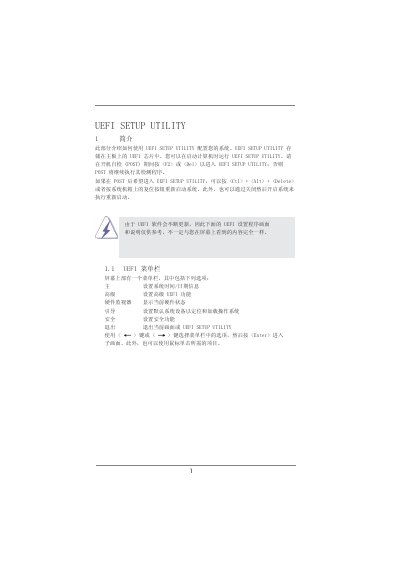
This manual provides step‑by‑step instructions for accessing the UEFI Setup Utility on ASRock motherboards, including the required key combinations during POST and the layout of the main menu bar. It describes navigation keys, menu options, and how to save or discard changes.
The guide also covers advanced configuration areas such as CPU settings, DRAM timing, Northbridge and Southbridge options, hardware health monitoring, and boot device priority. Additional utilities like ASRock Instant Flash for firmware updates are explained, along with safety features and password management. This manual is written in Chinese.
Press during the Power‑On Self‑Test (POST) to launch the UEFI Setup Utility.
Press
Press
It updates the motherboard's UEFI firmware from a USB flash drive, floppy, or hard disk without needing an operating system.