
This is the BIOS setup screen of a motherboard
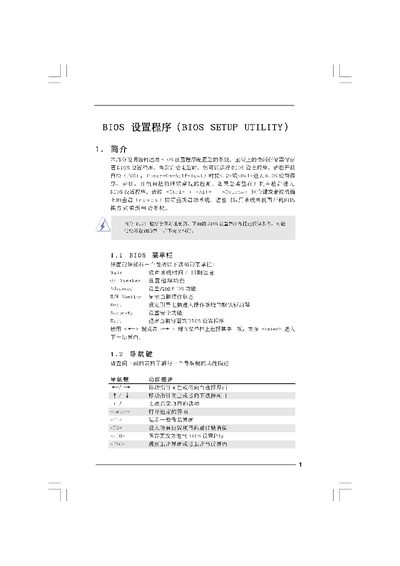
The BIOS Setup Utility manual provides step‑by‑step instructions for navigating the BIOS menus, adjusting CPU, memory, and chipset settings, and configuring boot and security options. It also describes the Instant Flash tool for updating the BIOS firmware directly from a FAT‑formatted drive.
The document includes detailed explanations of advanced screens such as CPU Configuration, DRAM Timing Control, and Power Saving options, as well as guidance on saving or discarding changes and loading default configurations. This manual is written in Chinese.
| Cache Size | 1024 KB |
|---|---|
| BIOS Version | Y02.54 |
Select the "Load BIOS Defaults" option on the Exit screen and confirm to restore the factory default configuration.
Enter the Advanced screen, select the desired overclocking option such as "Load CPU EZ OC Setting" and enable or disable it as needed.