
This document is about the BIOS setup utility, which provides the main configuration options and hardware information. It includes system time, processor type and speed, cache size, memory information, etc.
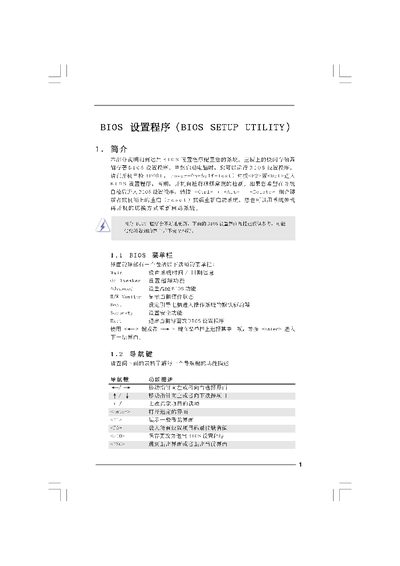
The BIOS Setup Utility manual provides step‑by‑step instructions for accessing the BIOS, adjusting system parameters such as CPU frequency, memory timing, and security options, and saving or discarding changes. It includes descriptions of each screen, key shortcuts, and warnings about incorrect settings.
The document also lists supported hardware specifications, including processor types, cache size, and memory configurations, and offers guidance for advanced features like overclocking, ACPI, and virtualisation. This manual is written in Chinese.
| Cache Size | 1024 KB |
|---|---|
| Total Memory | 204 MB with 256 MB shared memory |
| BIOS Version | Y02.54 |
Press