
This is a BIOS setup screenshot of a motherboard from American Megatrends
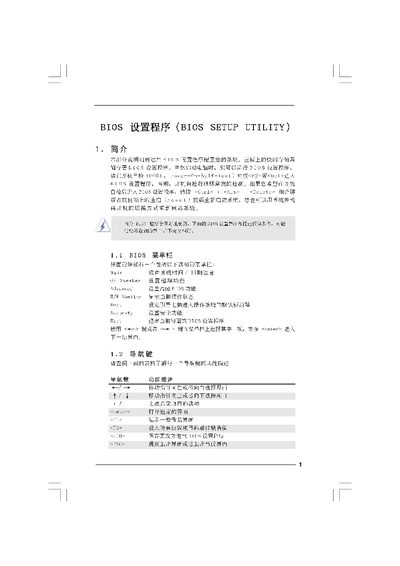
This manual explains how to use the BIOS Setup Utility on the G41C‑GS motherboard. It covers the main screen, over‑clocking options, memory timing, voltage settings, and advanced configuration sections such as CPU, chipset, and power management.
The document also describes how to save or discard changes, load default profiles, and use the Instant Flash tool for BIOS updates. Navigation keys and shortcuts for each screen are listed throughout the guide. This manual is written in Chinese.
| Processor Speed | 2.66 GHz |
|---|---|
| Cache Size | 6144 KB |
| Memory Size | 1024 MB |
| Memory Type | DDR2 667 MHz |
Press
Select the “Load BIOS Defaults” option and confirm to restore factory defaults.