
This document is about the BIOS setup utility for the G41M-GS motherboard, which introduces the hardware monitoring, booting, security and other functions of the motherboard. It also provides detailed information such as system time, date, processor type, processor speed, cache size, and memory size.
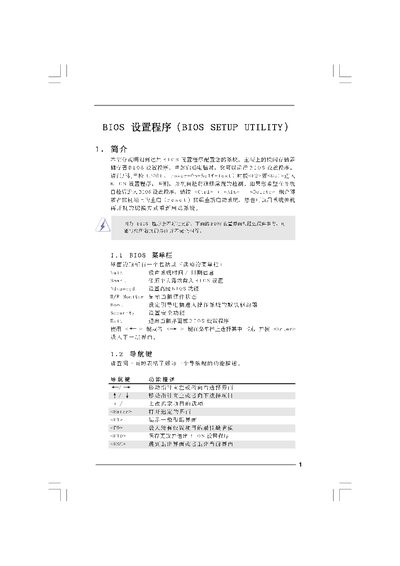
This manual explains the BIOS Setup Utility interface, including the Main, Advanced, Smart, and Security screens. It describes how to view system information, adjust CPU, memory, and chipset settings, and use built‑in tools such as Instant Flash for BIOS updates.
The guide also covers navigation keys, default loading options, and exit procedures, helping users safely modify boot order, security passwords, and power‑saving features. This manual is written in Chinese.
Press ESC to exit the BIOS setup and discard any changes.