
This document is a BIOS setup utility that provides information about the computer system's main settings and configuration options, including system time, processor type and speed, cache size, memory size, etc. It also offers smart settings and the ability to save changes.
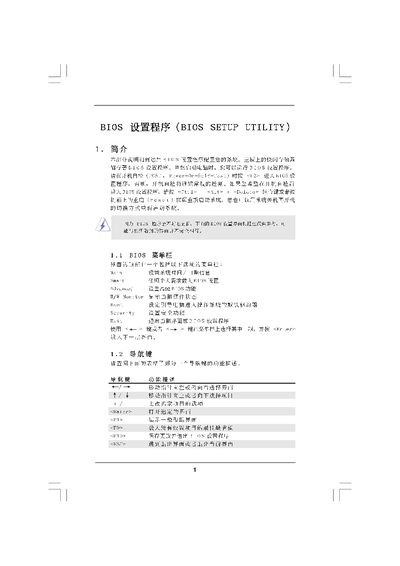
This manual provides a detailed description of the BIOS Setup Utility for the A780GM-LE motherboard. It covers the main menu, smart hardware monitor, boot and security options, as well as advanced settings such as CPU configuration, chipset options, and hardware health monitoring.
Users can navigate the interface with keyboard shortcuts, load default settings, adjust CPU frequencies, change voltage settings, configure boot devices, and set supervisor or user passwords. The document also includes warnings about incorrect settings that may cause system malfunction.
| BIOS Version | v02.54 |
|---|---|
| Processor Type | AMD Athlon 64 X2 Dual Core 4000+ (64‑bit) |
| Total Memory | 1024 MB (with 128 MB shared) |
| Memory Type | DDR2 800 (Single‑Channel) |
Press F9 to load the default BIOS settings.
Press F10 to save the changes and exit the BIOS setup.
Select the Security menu, then choose Change Supervisor Password or Change User Password.