
This document is about the BIOS setup utility for the A770DE+ motherboard. The document provides information about the basic information of the motherboard, system time and date, processor type and speed, cache sizes, memory configuration, etc. It also introduces the smart settings and the operation to save changes.
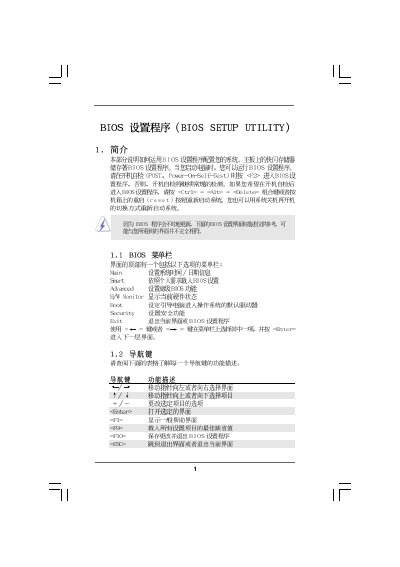
This manual covers the BIOS Setup Utility interface, including the Main, Smart, Advanced, and Hardware Monitor screens. It describes navigation keys, option changes, and how to load defaults or save configurations.
The document also provides detailed sections for CPU, Memory, and Boot configuration, as well as security settings such as supervisor and user passwords. Hardware health monitoring and power options are included for system troubleshooting.
| BIOS version | v02.54 |
|---|
Press F10 to save the current settings and exit the utility.
Press F9 to load the default BIOS configuration.
Select the Security Settings screen, choose Change Supervisor Password, and follow the prompts.
The Hardware Health Event Monitoring screen shows CPU temperature, fan speeds, and voltage readings.