
This is an operator's guide that introduces basic operations and document scanning methods of the fi-4860C2 scanner.
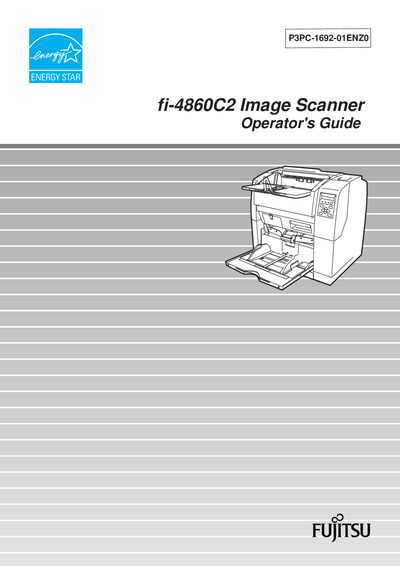
The fi-4860C2 is a duplex color image scanner designed for high‑speed, high‑quality scanning of Letter/A4 documents. It offers a 60 ppm (120 ipm) scanning speed at 200 dpi and a 500‑sheet high‑capacity hopper, making it suitable for production‑level scanning tasks.
This Operator's Guide covers basic operations, document scanning procedures, daily care, consumable replacement, common problem solving, ADF specifications, panel menus, options, and detailed scanner specifications. It also includes installation and connection instructions, regulatory compliance information, and safety notices.
| Scanning speed | 60 ppm / 120 ipm |
|---|---|
| Optical resolution | 200 dpi |
| Paper capacity (hopper) | 500 sheets |
The scanner can process 60 pages per minute (ppm) or 120 images per minute (ipm).
The high‑capacity hopper can hold up to 500 sheets of Letter/A4 size paper.