
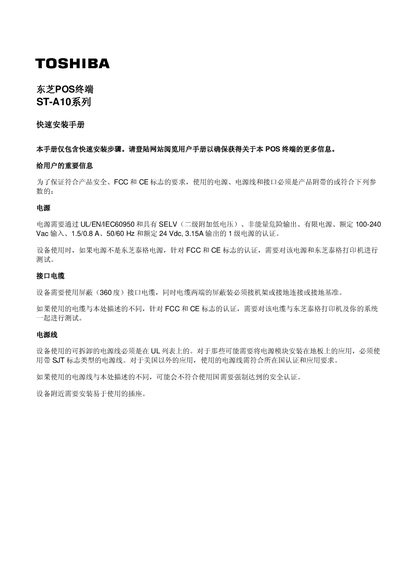
The guide offers concise instructions for installing the Toshiba ST-A10 POS terminal. It outlines safety and certification requirements, power specifications, and the necessary cables and connectors.
Key sections include the installation environment, connecting the AC power cable, interfacing ports (USB, LAN, VGA, etc.), and adjusting the screen tilt and brightness. Follow the steps to ensure proper operation and compliance with FCC and CE standards. This manual is written in Chinese.
| Input voltage | 100-240 Vac |
|---|---|
| Output voltage | 24 Vdc |
| Display size | 12 inches |
| USB ports | 6 × 5V, 1 × 24V |
| LAN port | 10BASE-T/100BASE-TX |
| Screen tilt angle range | 10° to 60° |
| Brightness control | Rotary knob |
The terminal requires a UL/VEN/IEC60950‑certified power supply with SELV, supporting 100‑240 Vac input, 1.5/0.8 A, 50/60 Hz, and a rated 24 Vdc, 3.15 A output.
It provides six standard 5 V USB ports for regular devices and one 24 V powered USB port for devices that require external power.
The screen can be tilted freely between 10° and 60° by holding the sides of the LCD frame and moving it up or down.