
This document is the user guide for the CX400 desktop printer, which provides specifications, operation instructions, and contact information.
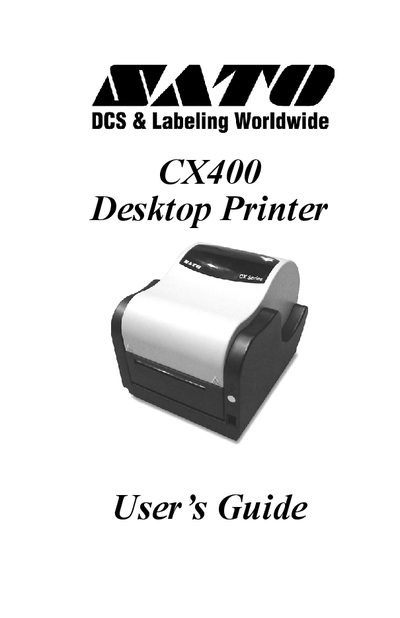
This guide covers everything you need to get the SATO CX400 up and running, from unpacking the printer and connecting power and interface cables to loading labels, ribbons, and configuring sensor types. Detailed sections explain the function of each control, indicator, and connection port.
Additional chapters describe routine maintenance, troubleshooting common errors such as power or error LEDs, and how to use the supplied software and Windows drivers for label design and printing. Technical specifications and communication port details are also included.
| Power Supply | 90 Watt |
|---|---|
| Serial Port | DB9S connector |
| Parallel Port | Centronics compatible |
| Media Type | Thermal Transfer Ribbon |
Press the FEED button while the printer is powered on to print a test label.
A null‑modem cable (pins 2‑3 and 7‑8 crossed) is required for serial connections to a PC.