
Introduces the main features and characteristics of the Xerox Phaser 3160N printer and provides instructions for use
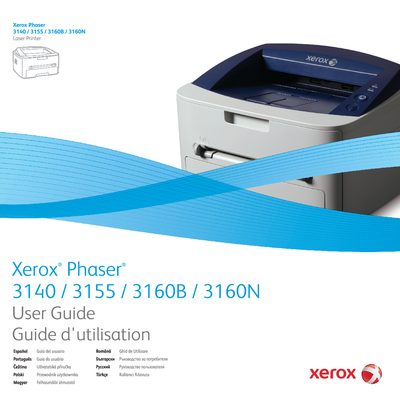
This guide introduces the Xerox Phaser 3140, 3155, 3160B, and 3160N laser printers and explains how to get the machines up and running safely. It covers hardware setup, driver installation for USB and network connections, and basic printing functions.
Additional sections detail media handling, power‑saving features, network configuration (including IPv6 and SetIP), altitude adjustment, maintenance procedures, troubleshooting tips, and a list of supplies and specifications.
Use the "Installing driver for USB connected machine" section, which provides step‑by‑step instructions for Windows, Macintosh, and Linux.
Refer to the "IPv6 Configuration" section, which explains how to set IPv6 addresses and print a network configuration report.
Follow the "Altitude adjustment" instructions that are specific to the Phaser 3140 and 3155 models.