
This manual introduces the features and usage of Card Scanner 200.
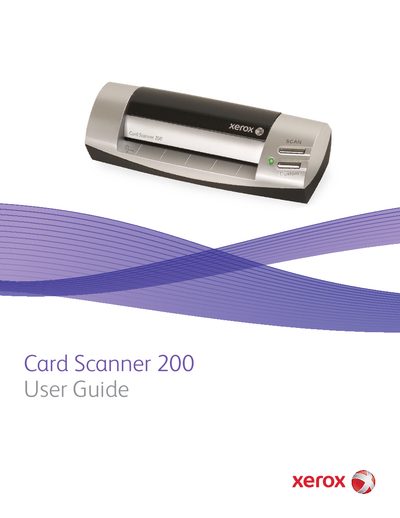
The Xerox Card Scanner 200 is a USB-powered device designed to scan items such as business cards, receipts, photographs, and embossed plastic cards. The device connects to a computer via a Universal Serial Bus (USB) port and features a paper feed slot, alignment arrow, and power light. It is compatible with Windows 2000, Windows XP, and Windows Vista operating systems.
| Operating System | Windows 2000 (Service Pack 4), 32-bit Windows XP (Service Pack 2 or 3), 32-bit or 64-bit Windows Vista |
|---|---|
| Minimum RAM (Windows Vista) | 1 gigabyte (GB) |
| Minimum RAM (Windows 2000 and XP) | 512 megabytes (MB) |
| Minimum Hard Disk Space | 350 MB |
| Connection Type | Universal Serial Bus (USB) |
The scanner can quickly scan items such as business cards, receipts, photographs, and embossed plastic cards.
The scanner connects to the computer using the Universal Serial Bus (USB) port located on the left side of the device.
The alignment arrow shows where to align the top left corner of the item you are scanning.