
This manual introduces the features and usage of DocuMate 272 scanner.
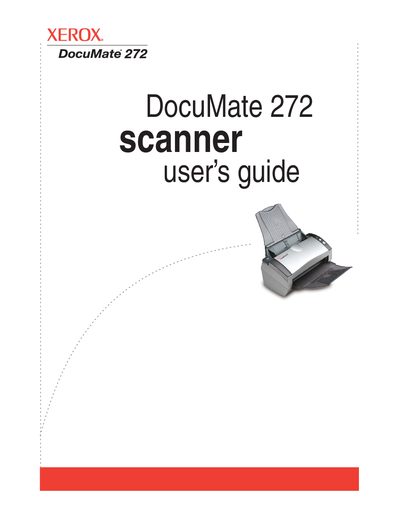
The Xerox DocuMate 272 scanner is designed to quickly scan single-sided or double-sided stacks of documents and place their images on a computer. The guide details the contents of the box, including the scanner, USB cable, power supply, and software installation DVD. It covers system requirements for IBM-compatible PCs running Windows 2000, XP, or Vista.
| Operating System | Windows 2000, XP, or Vista |
|---|---|
| Memory (Windows 2000/XP) | 512 MB |
| Memory (Windows Vista) | 1 GB |
| Hard Disk Space | 350 MB |
| Monitor Resolution | 800 x 600 pixels |
Press the Duplex button on the scanner's one-touch button panel.
A steady green light indicates the scanner is available to scan, while a rapidly flashing green light indicates the scanner is preparing to scan.