
This document is a user guide for the WorkCentre 3119 printer from Xerox Corporation. It provides information on the features and usage of the printer, including setting up the machine, loading documents and paper, copying, basic printing, scanning, ordering toner cartridges, maintenance, and troubleshooting.
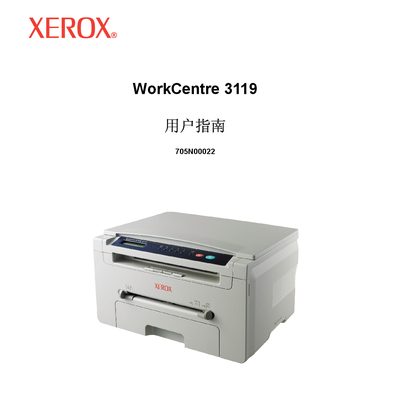
This manual covers everything you need to know to install and use the WorkCentre 3119, including component locations, initial setup, loading paper and media, copying, printing, scanning, and ordering replacement toner. Detailed sections explain menu navigation, software drivers for Windows, Mac and Linux, and energy‑saving features.
Safety guidelines, environmental disposal instructions, and technical specifications are also included, helping you keep the device operating reliably while complying with FCC, CE, and laser safety standards. This manual is written in Chinese.
| Paper capacity (multi‑page tray) | 250 sheets |
|---|---|
| Rated power input | 110‑127 VAC, 4.0 A (US/Canada) |
| Average power consumption | 350 W |
| Standby noise level | <38 dBA |
| Memory | 8 MB (non‑expandable) |
| Optical scan resolution | up to 600 × 2400 dpi |
| Maximum print resolution | up to 600 × 600 dpi |
| Weight | 9.3 kg (including consumables) |
The multi‑page tray can hold up to 250 sheets of paper.
It consumes about 350 W on average.
The scanner provides up to 600 × 2400 dpi optical resolution.