
This guide introduces the basic operation of DocuMate 152 scanner, including connection, installation, use and maintenance, which can help you get started quickly and use this product
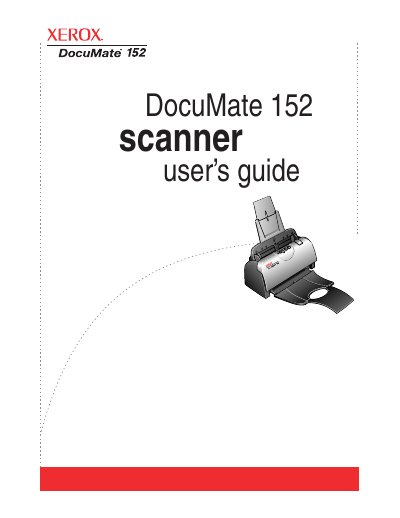
The Xerox DocuMate 152 scanner is designed to quickly scan single-sided or double-sided stacks of color, grayscale, and black-and-white documents up to 8.5" x 14" and place their electronic images on a computer. The guide details the contents of the box, including the scanner, power supply, USB cable, and installation DVD.
| Document Size | up to 8.5" x 14" |
|---|---|
| Operating System | Windows 2000, Windows XP, Windows Vista |
| Memory (Windows Vista) | Minimum of 1 gigabyte (GB) |
| Hard Disk Space | 350MB minimum |
The scanner can handle documents up to 8.5" x 14".
The scanner supports Windows 2000, Windows XP, and Windows Vista.
Press the ADF cover release to open the cover, remove the jammed paper, and close the cover.