
Phaser 3600, Phaser 3600/B, Phaser 3600/N and Phaser 3600/DN User's Guide
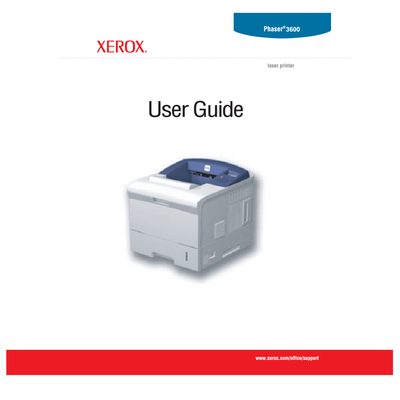
This guide covers the Xerox Phaser 3600 laser printer, describing its features, system setup, software options, network configuration, media loading, and basic printing procedures. It also includes ordering information for supplies and accessories.
Safety instructions, power‑connection requirements, maintenance tasks, and a detailed troubleshooting section help users operate the printer safely and resolve common issues.
The printer must be connected to a protective earth circuit, aerosol cleaners must not be used, and the laser area is hot, so users should avoid touching it.
Use the supplied power cable and plug it directly into a correctly grounded electrical outlet; do not use adapters or extension cords.
Turn off the machine immediately, disconnect the power cable(s), and contact an authorized Xerox service representative.