
This user guide provides basic information on using the DocuMate 252 scanner.
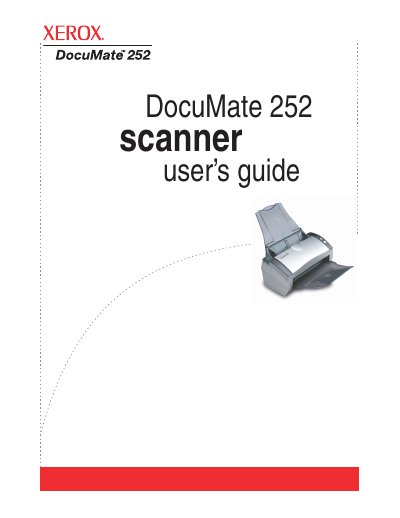
The Xerox DocuMate 252 scanner is designed to quickly scan single-sided or double-sided stacks of documents and place their images on a computer. The guide details the contents of the box, required system specifications, and step-by-step installation procedures including assembly, software installation, and connecting power and USB cables.
| Operating System | Windows 2000, XP, or Vista |
|---|---|
| Memory (Windows Vista) | Minimum of 1 gigabyte (GB) |
| Hard Disk Space | 350 MB minimum |
| Monitor Resolution | At least 800 x 600 pixels |
The minimum requirement is 1 gigabyte (GB) of internal memory (RAM).
Press the Duplex button on the scanner's One Touch Button Panel.
A steady green light indicates the scanner is available to scan.