
DoucMate 262 scanner is a versatile, easy-to-use scanning solution that lets you easily scan, organize, share and store documents
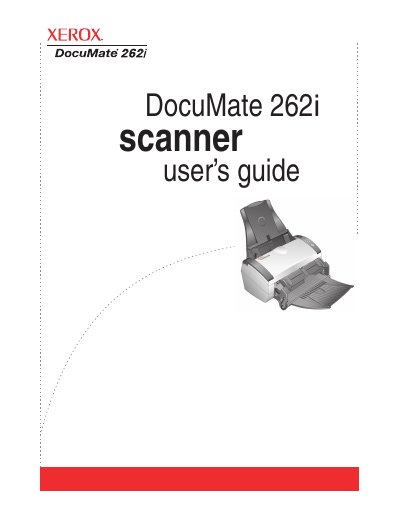
The Xerox DocuMate 262i is an automatic document feeder (ADF) scanner designed to quickly scan single-sided or double-sided stacks of documents. The device features a front feed tray, a one-touch button panel with customizable settings, and interfaces for TWAIN, WIA, ISIS, and HTML web page creation.
| Operating System Support | Windows 2000, XP, Vista |
|---|---|
| Minimum RAM (XP) | 512 MB |
| Minimum RAM (Vista) | 1 GB |
| Hard Disk Space | 350 MB minimum |
The Destination Selector button selects the scan setting for the Simplex and Duplex buttons by cycling through nine available settings.
A steady blue light indicates that the scanner is available to scan.
Press the Duplex button on the one-touch panel to initiate a two-sided scan.