
Xerox DocuMate 150 Scanner User's Guide

This is a user manual for DocumenMate 150 scanner
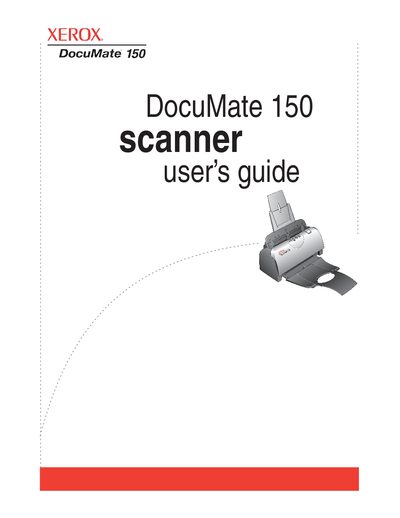

Xerox DocuMate 150 Scanner User's Guide - cover page
Brand
Xerox
Category
Scanner
Document type
User Manual
Language
English
Pages
94
File format
PDF
File size
5.9 MB
Published
04 July, 2012
Updated
30 September, 2023
MD5 checksum
EF27EE9541AD420936D0EFFF96DD0980

About this manual

The Xerox DocuMate 150 is a flatbed scanner designed to quickly scan stacks of color, grayscale, and black-and-white documents up to 8.5" x 14" and place electronic images on a computer. The guide details the setup process, including assembling the scanner, installing software, and connecting power and USB cables.

What's inside

  • What's in the Box
  • Installation Steps
  • Loading Documents to Scan
  • One Touch Scanning
  • Configuring One Touch Buttons
  • Scanning with OCR
  • Transferring to Storage
  • Clearing Paper Jams
  • Replacing ADF Pad Assembly
  • Troubleshooting

Specifications

Document Sizeup to 8.5" x 14"

Frequently asked questions

What operating systems are supported?

The scanner supports Windows 2000 (Service Pack 4), Windows XP (Service Pack 1 and 2), or Windows Vista.

What is the minimum RAM required for Windows Vista?

A minimum of 1 gigabyte (GB) of internal memory (RAM) is required.

Download PDF (5.9 MB)

More Xerox Manuals


View all Xerox manuals →