
Xerox DocuMate 250 Scanner User's Guide

This document is the user's guide for the DocuMate 250 scanner, providing instructions and highlighting the features of this scanner.
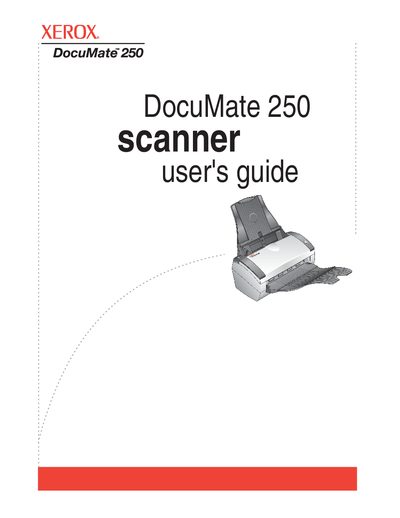

Xerox DocuMate 250 Scanner User's Guide - cover page
Brand
Xerox
Category
Scanner
Document type
User Manual
Language
English
Pages
88
File format
PDF
File size
3.6 MB
Published
04 July, 2012
Updated
28 September, 2023
MD5 checksum
40A554F71D7C905A5CFD8F3FFCCCB1FF

About this manual

The Xerox DocuMate 250 is a flatbed scanner designed to quickly scan stacks of color, grayscale, and black-and-white documents up to 8.5" x 14" and place their electronic images on a computer. The device features an Automatic Document Feeder (ADF) with a One Touch button panel for easy scanning operations.

What's inside

  • What's in the Box
  • Installation Steps
  • Scanning from One Touch
  • Configuring Scan Configurations
  • Selecting File Format Options
  • Scanning with OCR
  • Cleaning the Automatic Document Feeder
  • Clearing Paper Jams
  • Troubleshooting Status Lights
  • Uninstalling Software

Specifications

Document Sizeup to 8.5" x 14"
Operating SystemWindows 2000/XP/Vista
Memory Requirement (Vista)Minimum of 1 gigabyte (GB)

Frequently asked questions

What is the maximum document size for this scanner?

The scanner can handle documents up to 8.5" x 14".

How do I clear a paper jam?

Refer to the 'Clearing Paper Jams' section in the maintenance chapter.

Download PDF (3.6 MB)

More Xerox Manuals


View all Xerox manuals →