
This document is the basic user's guide for the Brother MFC-9970CDW color laser multifunction printer. It includes instructions for setting up the machine, installing drivers and software, using fax, copy, scan, and direct print functions, and replacing consumables. Additionally, it provides advanced operation guide, software user's guide, and safety and legal instructions.
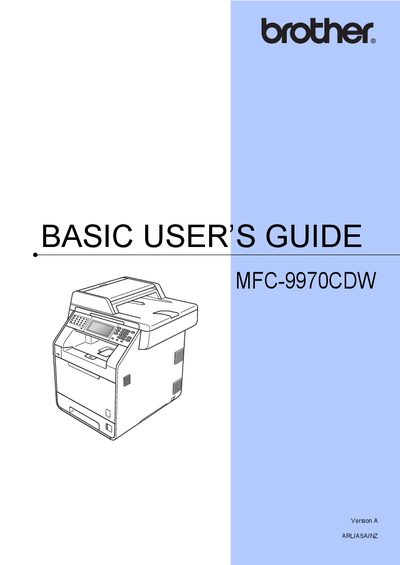
The Basic Users Guide covers everything you need to know to get started with the Brother MFC-9970CDW printer, including loading paper and documents, sending and receiving faxes, telephone line services, copying, scanning, and routine maintenance. It also explains the control panel, LCD touchscreen, and basic settings such as volume and paper handling.
Additional sections provide troubleshooting tips, error messages, and detailed support information for Australia and New Zealand, including phone numbers, email contacts, and web resources for warranty and technical assistance.
| Model Number | MFC-9970CDW |
|---|
You can register the product online at http://www.brother.com/registration/.
The Basic Users Guide is printed in the box and also available on the Documentation CD-ROM.