
This manual describes the setup remote controller that can be used to bring up the specific hotel mode menu for setting those specific settings.
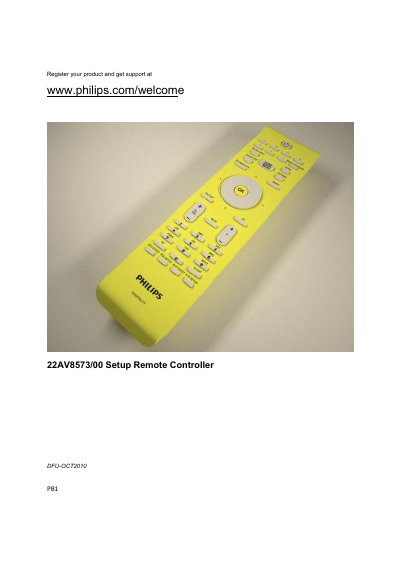
The guide describes the Philips Professional Hospitality Television remote‑controller setup, allowing hotel installers to configure limited guest functions such as volume and channel access. It explains the hospitality mode that restricts normal user controls and how a super‑user can adjust these settings.
The document provides step‑by‑step instructions for entering setup mode, selecting remote‑control behavior, and mapping guest remote functions. It also lists the supported RC5 and RC6 command protocols and shows the button layout for guest and setup remote modes.
| Supported remote control protocol | RC5 (supported), RC6 (future, not supported) |
|---|---|
| Setup mode activation steps | Press RC5 SETUP then HOME/MENU |
| Guest RC functionality | RC5 commands supported, RC6 commands not yet supported |
Press the RC5 SETUP button, then press the HOME/MENU button.
The remote supports RC5 commands; RC6 is a future feature and not currently supported.
Guest RC functionality includes volume up/down, but the amount of access can be limited in hospitality mode.