
This quick start guide provides basic steps on connecting and installing CEM2000.
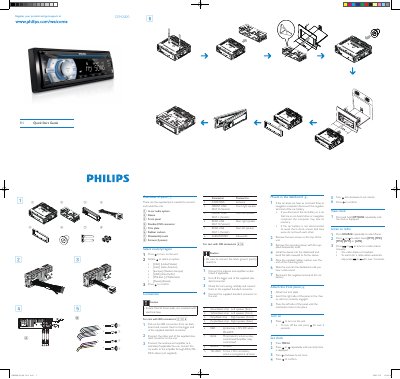
The guide lists all supplied parts needed to connect and install the CEM2000 unit, including the in‑car audio system, ISO connector, antenna, and mounting hardware. It also provides safety cautions for wiring and grounding.
Installation steps describe removing the dashboard screws, mounting the sleeve, attaching the front panel, and connecting the power and audio leads. Basic operation instructions cover turning the unit on, setting the clock, and tuning the radio. This manual is written in Chinese.
| Power supply voltage | +12V DC |
|---|---|
| Connector type | Standard ISO connector |
Press the power button to turn the unit on; press and hold for over 3 seconds to turn it off.
Press MENU, then press or repeatedly until the time is displayed, turn clockwise to set hour, confirm, then turn anti‑clockwise to set minute and confirm.