
This Quick Start Guide provides instructions on how to install and connect the CEM200 unit.
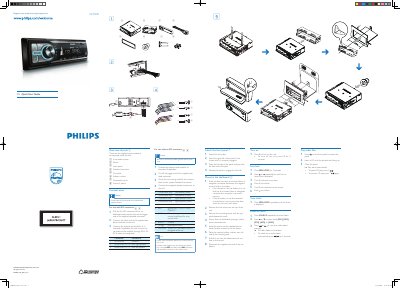
This guide lists the supplied parts and shows how to connect the unit to a car’s audio system, including ISO connector options, wiring instructions, and mounting procedures. It also warns about safety steps such as insulating loose leads and disconnecting the battery when needed.
After installation, the guide explains basic functions such as turning the unit on and off, setting the clock, selecting radio bands, and playing CD audio, with simple button sequences for each operation.
| Power supply voltage | +12V DC |
|---|---|
| Connector type | ISO connector (optional) |
Press the Z button to turn the unit on.