
This manual describes how to use the Philips CEM5000 car audio system.
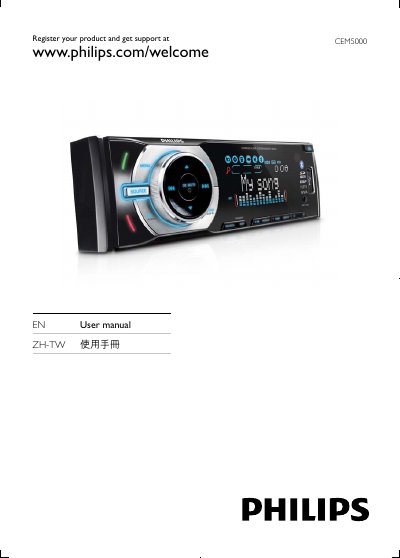
This manual introduces the Philips CEM5000 car audio system, lists the contents of the package, and guides you through installation, power‑supply wiring, and remote‑control battery setup. It also explains the main unit controls, radio tuning, and how to connect external sources such as CD, USB, SD cards, and Bluetooth devices.
Further sections cover system settings like language, equalizer, and volume, as well as detailed troubleshooting steps for common issues such as no power, disc read errors, and Bluetooth connectivity problems. Safety notices and disposal information are also included.
| Operating Voltage | 12 V DC |
|---|---|
| Grounding | Negative ground (earth) |
Use the "Pairing bluetooth devices" procedure described in the manual to connect your phone or other Bluetooth source.
Check that the disc label side is facing up, clean the disc, and ensure it is a compatible CD/MP3 format; the manual lists error codes such as ERR‑1 for unreadable media.