
This manual describes how to use Philips CEM200 car audio system, including installation, operation and adjustment
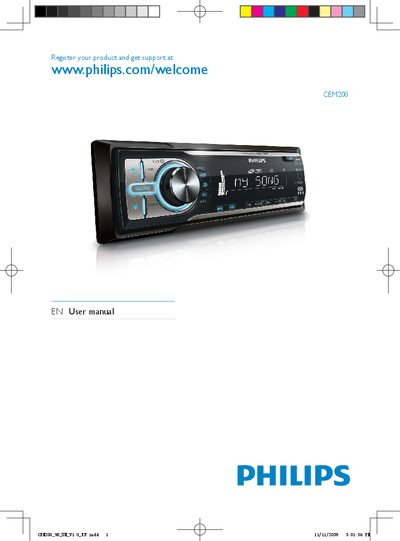
This manual introduces the Philips CEM200 in‑car audio system, lists the contents of the box, and explains safety precautions such as using only the supplied 12 V DC power source and proper fuse replacement. It also describes the main unit and remote control layout, including functions like Dynamic Bass Boost and screen blackout.
The guide covers how to install the system, tune and store radio stations, play CDs or MP3/WMA files, adjust sound settings, and troubleshoot common issues. A glossary of terms and additional information on recycling and regulatory compliance are also provided.
| Power supply | 12 V DC |
|---|---|
| Laser classification | Class 1 |
Visit the Philips registration page at www.philips.com/welcome to register your product and get support.
Consult a professional before changing the fuse, as improper fuses can cause damage or fire.
Press the DBB button on the unit or remote control to turn Dynamic Bass Boost on or off.